 LinkedIn
 Facebook
 X.com
X.com
 WeChat
 Email
Email

Managing shipping invoices can be cumbersome and time-consuming, especially if you’re dealing with multiple shipments with different logistics partners across different destinations — all manually. But what if we tell you that you can manage your bills, invoices, and make payments with the click of a button?
MyFinance makes it possible!
Maersk’s web-based finance tool, MyFinance, makes invoice management more accessible and convenient. Here’s everything you need to know about this tool.
How to get started with MyFinance?
Simply log into your account if you are an existing user or register as a new customer. Once logged in, you can access our hub page with numerous widgets and a menu bar on the left-hand side – navigating you to all the pages and tools.
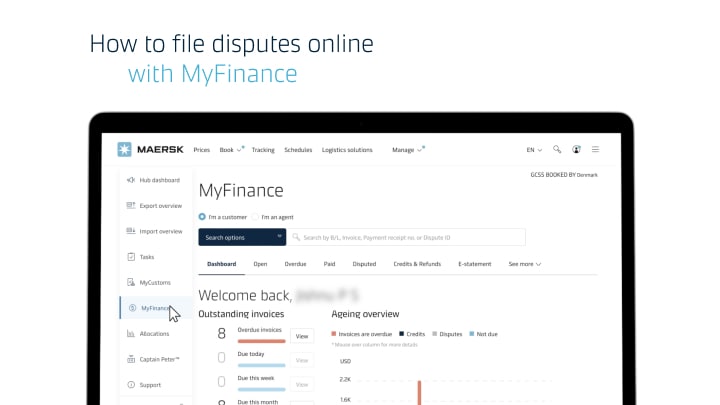
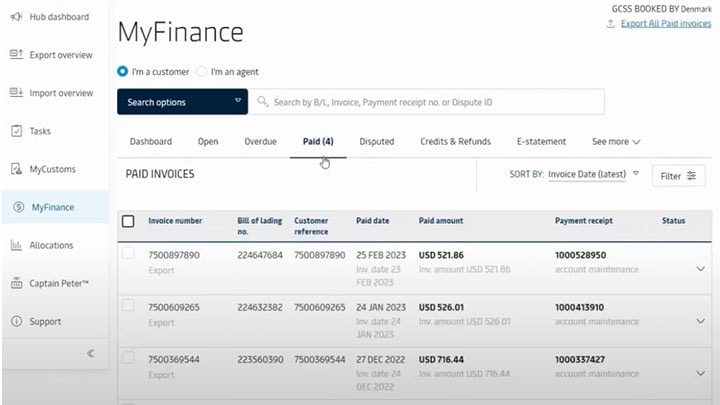
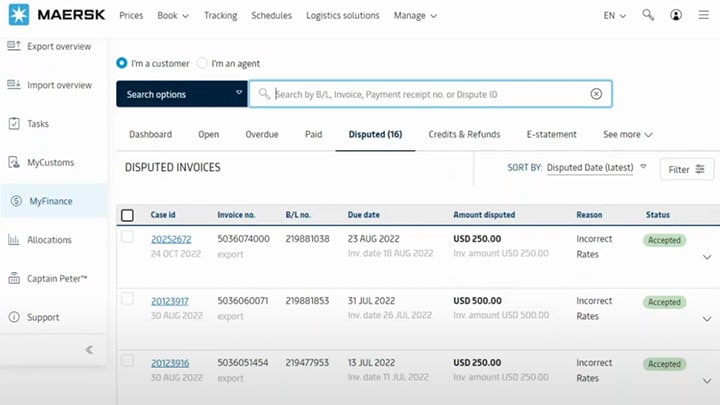
MyFinance is accessible from the left-hand navigation menu. It allows you to manage your account as well as view, pay, and raise disputes for invoices.
How to use MyFinance?
Step 1: Open the Maersk website.
Step 2: Go to the Account button in the top right-hand corner.
Step 3: Log in using your username and password.
Step 4: Click MyFinance on the left-hand navigation menu.
Let’s go through different sections of MyFinance and its functionalities.


How to raise a dispute against an invoice in MyFinance?
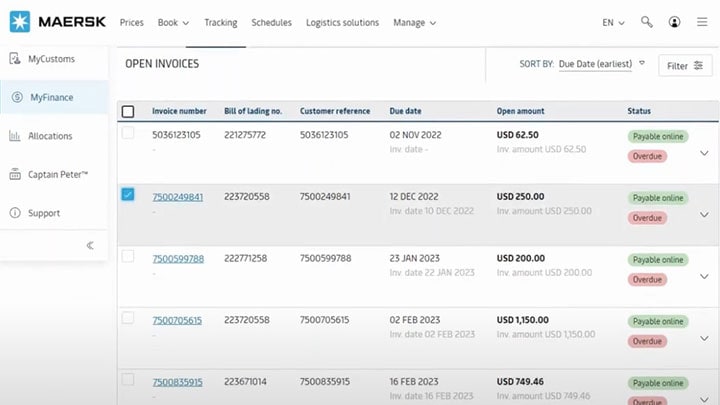
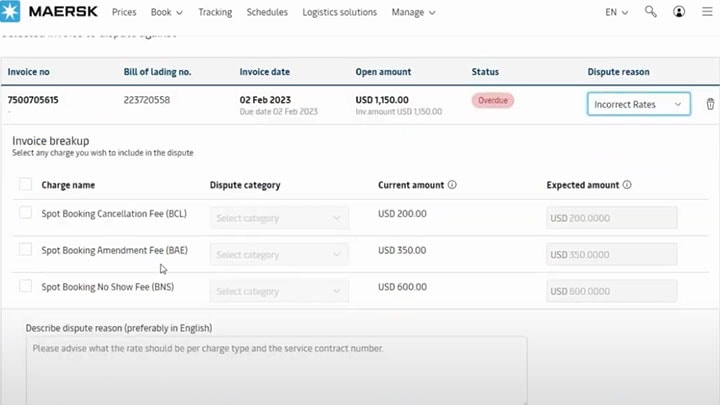
The Open tab lets you raise a dispute against any invoice that requires further attention.
- To raise a dispute against an invoice, select the invoice and click the dispute icon located on the panel below.
- This action will redirect you to a page where you can select the reason for the dispute.
- Once you have selected the reason, you will be prompted to fill out the required details.
- With MyFinance, you will receive a charge-level breakdown of the dispute — where you can input the dispute category, current amount, and disputed amount. You can also describe your dispute and attach any relevant documents.
- Enter your details and click Continue, followed by Create dispute.
How to use MyFinance for payment?
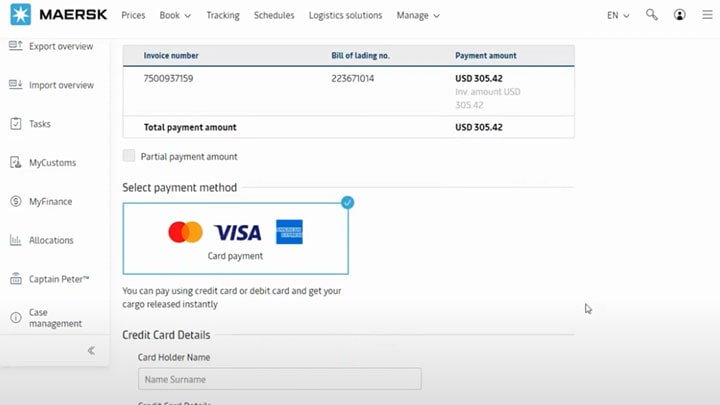
MyFinance offers you two payment options.
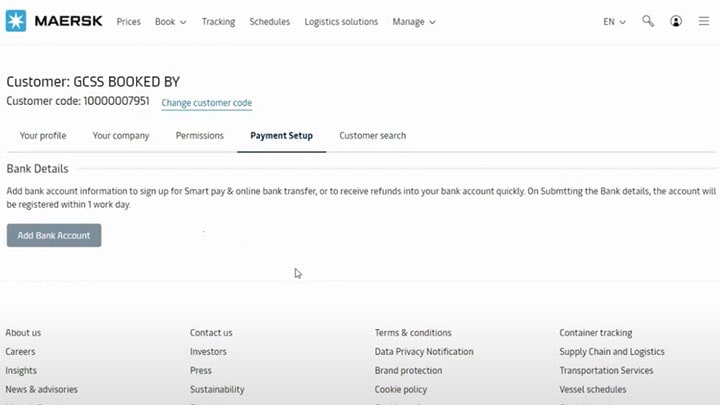
You can pay using your credit card or our smart-pay option that allows you to make direct bank transfers. Let us get an overview of both payment options one by one.
Summing Up
With MyFinance, you can manage your transactions from anywhere, anytime. Forget about visiting physical payment centers or mailing checks. All you need is a computer or a smartphone and an internet connection.
Making payments has never been this convenient and effortless.
To know more on how to make payments with MyFinance, download the following:

Quel que soit votre besoin, nous sommes là pour vous aider

Solutions

Nous contacter

Prêt à expédier ?
I agree to receive logistics related news and marketing updates by email, phone, messaging services (e.g. WhatsApp) and other digital platforms, including but not limited to social media (e.g., LinkedIn) from A. P. Moller-Maersk and its affiliated companies (see latest company overview). I understand that I can opt out of such Maersk communications at any time by clicking the unsubscribe link. To see how we use your personal data, please read our Privacy Notification.
By completing this form, you confirm that you agree to the use of your personal data by Maersk as described in our Privacy Notification.